
You can easily manage and update a merchant's profile by accessing their onboarding details, business information and product data in one place.
-
Click the Onboarding Summary tab to view the merchant's profile.
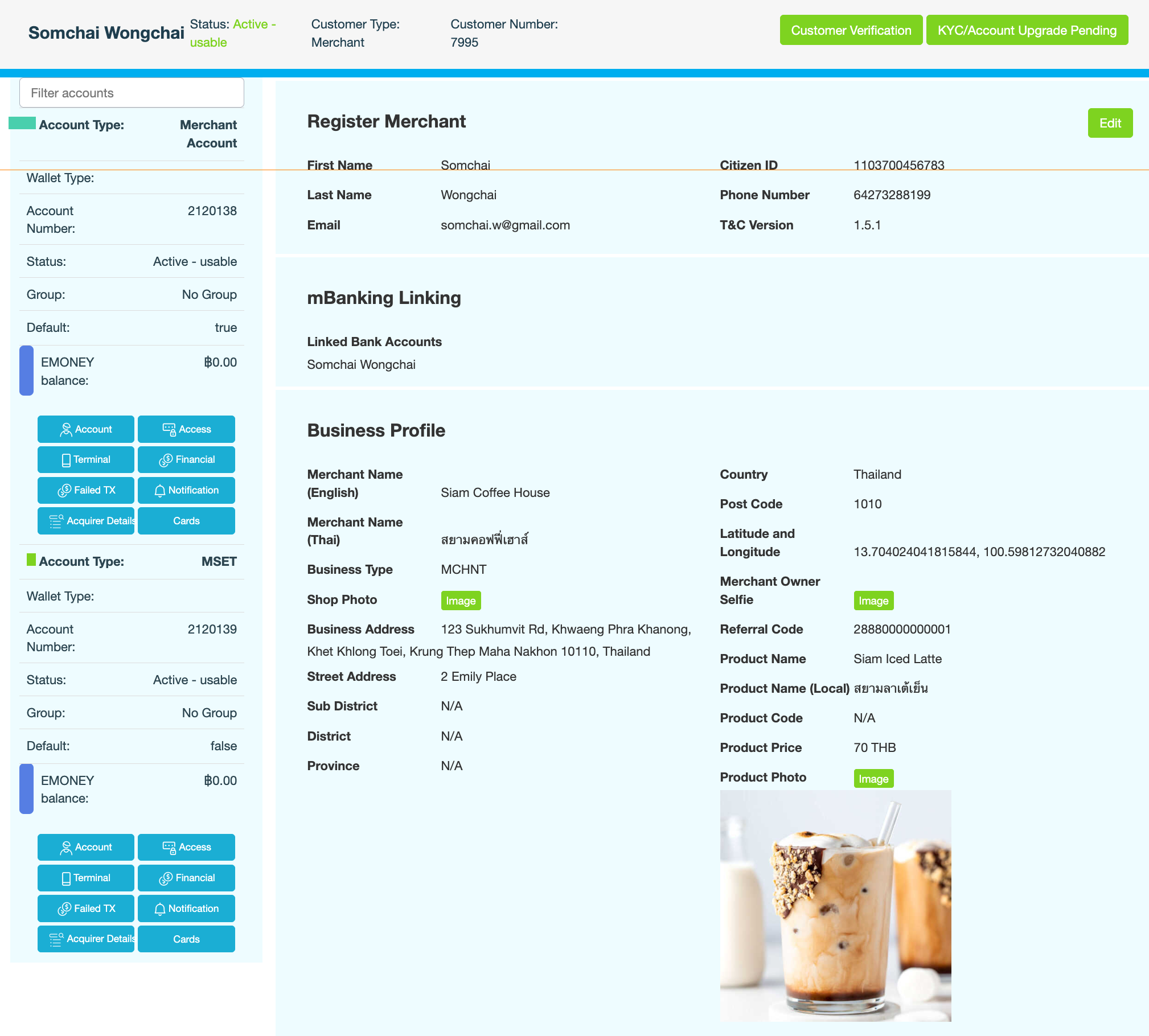
The right pane displays provides detailed information about the registered merchant, namely:-
Identification information – full name, contact details, Citizen ID and the Terms & Conditions version the merchant agreed to.
-
Bank account details
-
Business details – business type, physical address, photographs of the storefront and business owner
-
Product information – sample product, local product name, product code, price and a photograph of the product.
-
-
Click Edit to update any required details.